 Ventus
References in a balloon
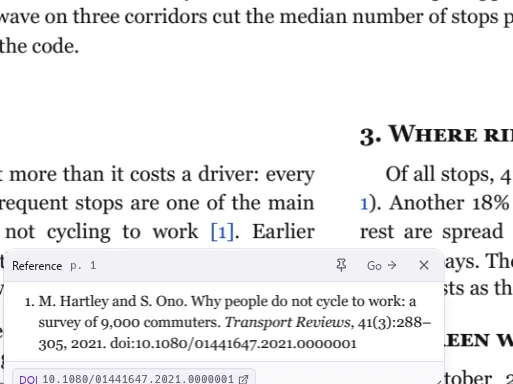
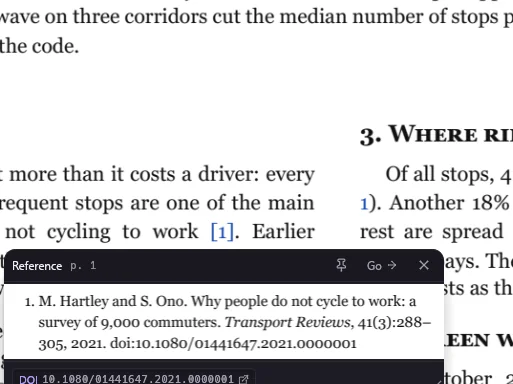
Rest the pointer on a citation, a figure or an equation and its entry appears beside the text, with a button for its DOI or arXiv page. No jumping to the end and back.
Its own engine draws pages faster than the one inside Chrome, so big maps and long manuals open in under half a second. Edit text, sign, fill in forms, scan, compare and convert, in a native app for Windows, macOS and Linux.
Heavy PDFs, sharp in 0.23 s · 16 languages · works offline
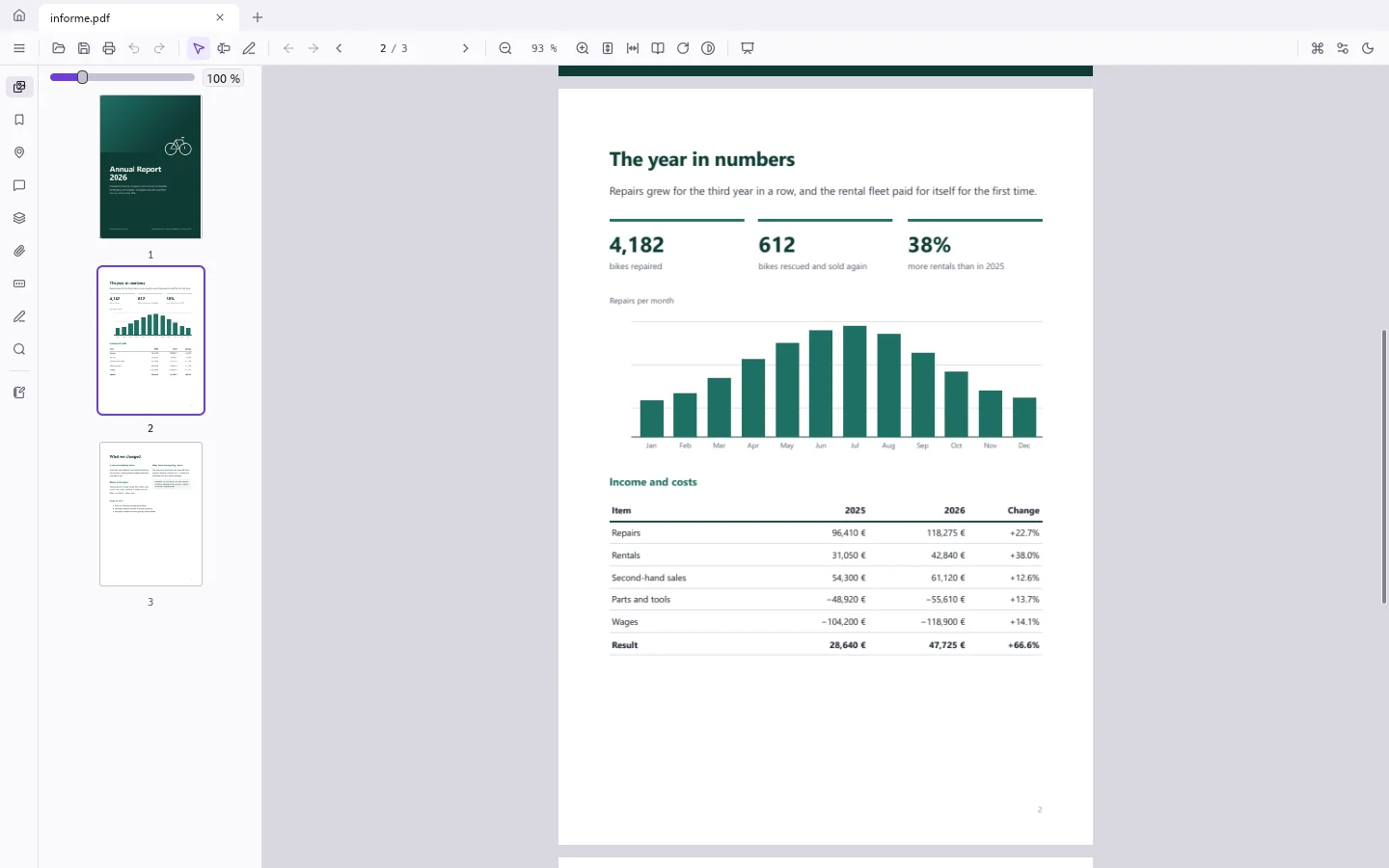

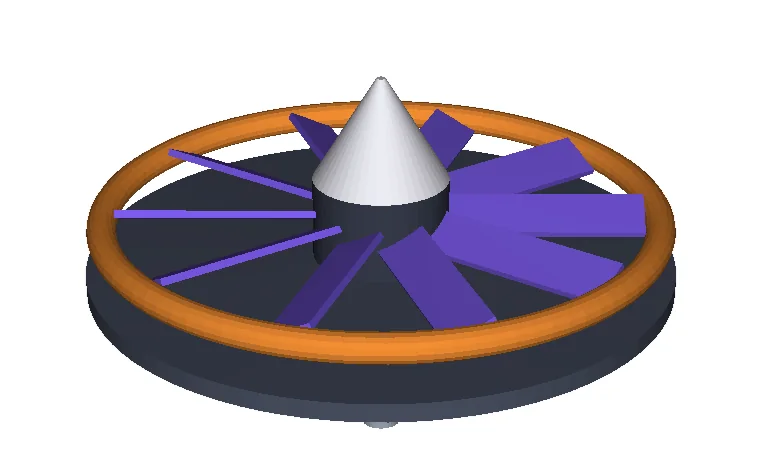
Big maps, plans and scanned books are where most PDF apps make you wait. Ventus draws only what fits on the screen, on every core at once, and sharpens it as you zoom. It also opens 3D PDFs: turn the model, switch its saved views and hide parts.
From the open command until the whole view is sharp, measured with Ventus’s internal trace on a Windows 11 desktop. Median of 5 runs, November 2026.
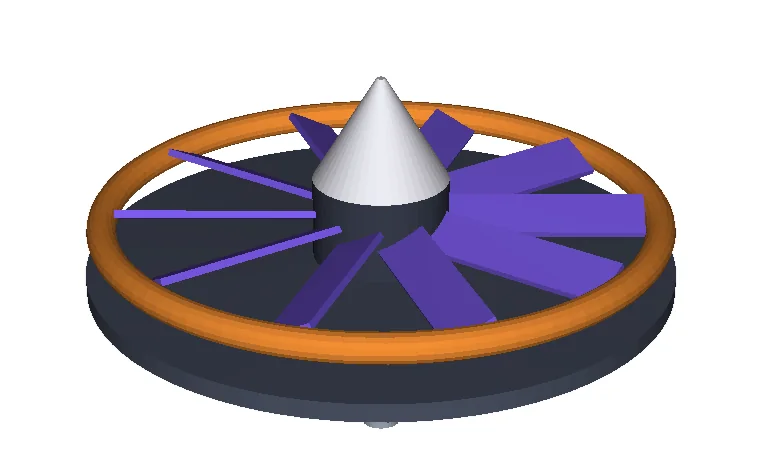
Most PDF apps use someone else's engine to draw pages. Ventus has its own, written from scratch in Rust. On one CPU core it draws pages faster than PDFium, the engine inside Chrome, at the same quality.
Geometric mean per type over 240 pages of public documents, each drawn at 800 px on one CPU core (best of 5). PDFium = 1. Windows 11, November 2026.
Open a scan and Ventus recognises its text: every paragraph becomes a block you edit in its own font and in its own place.
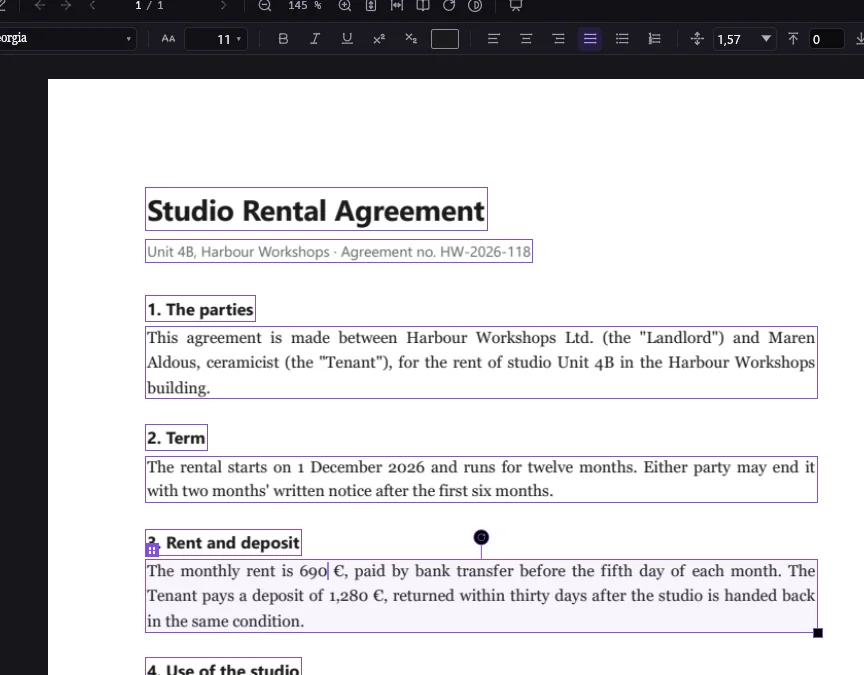
Click a line and type. Ventus keeps the paragraph's font, size and colour, so a corrected price or a fixed typo looks like it was always there.
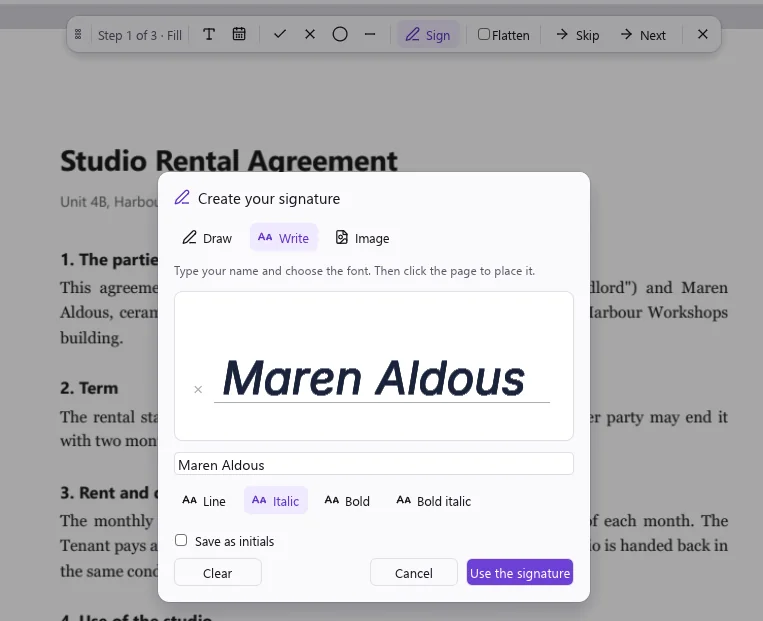
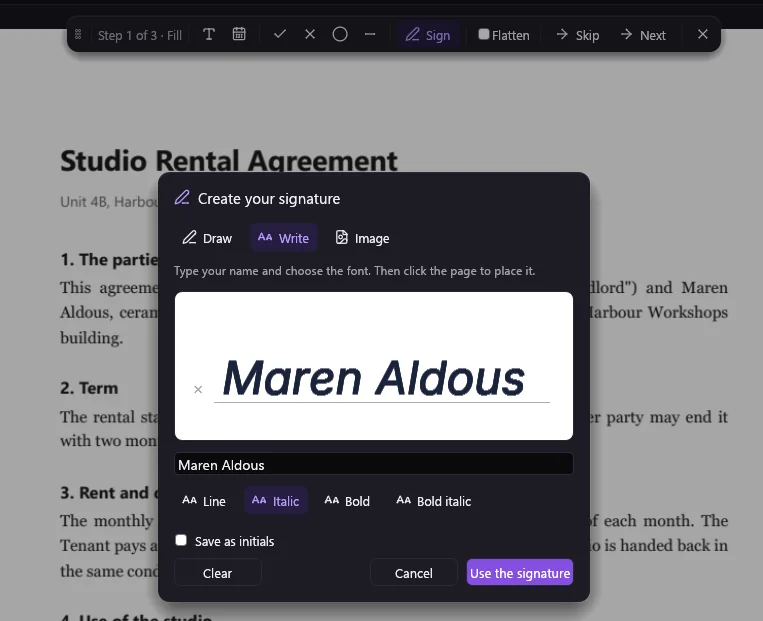
Type or draw your signature, or sign with a certificate or a USB token. A trusted timestamp keeps a signature valid for years.
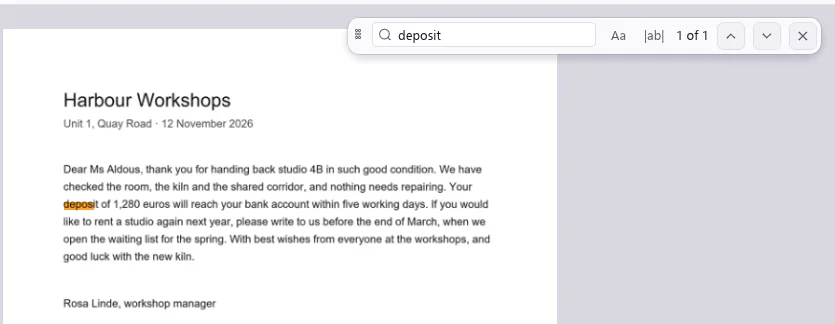
Ventus straightens scanned pages, cleans up the paper and recognises the text. Search a scan, copy from it, or scan straight from your scanner.
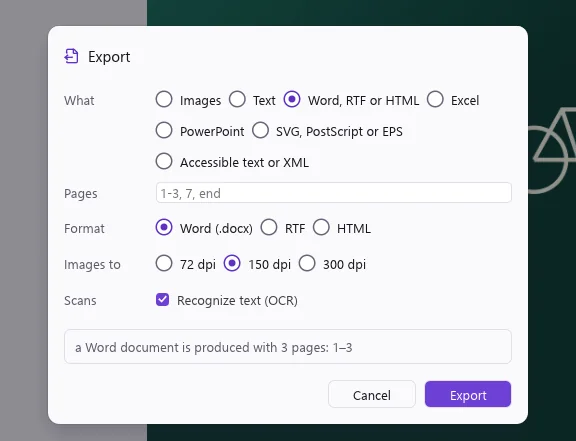
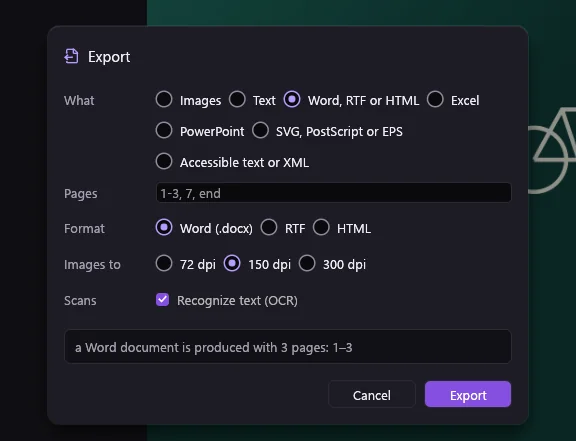
Save a PDF as Word, Excel, PowerPoint or images, and turn documents, web pages, photos and scans into PDF.
Three tools of its own for long documents, papers and manuals.
Rest the pointer on a citation, a figure or an equation and its entry appears beside the text, with a button for its DOI or arXiv page. No jumping to the end and back.
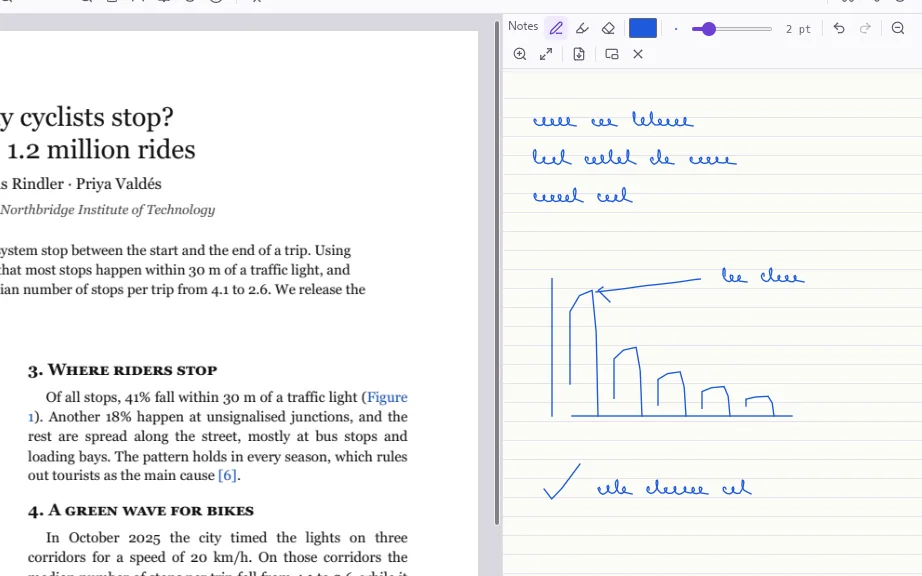
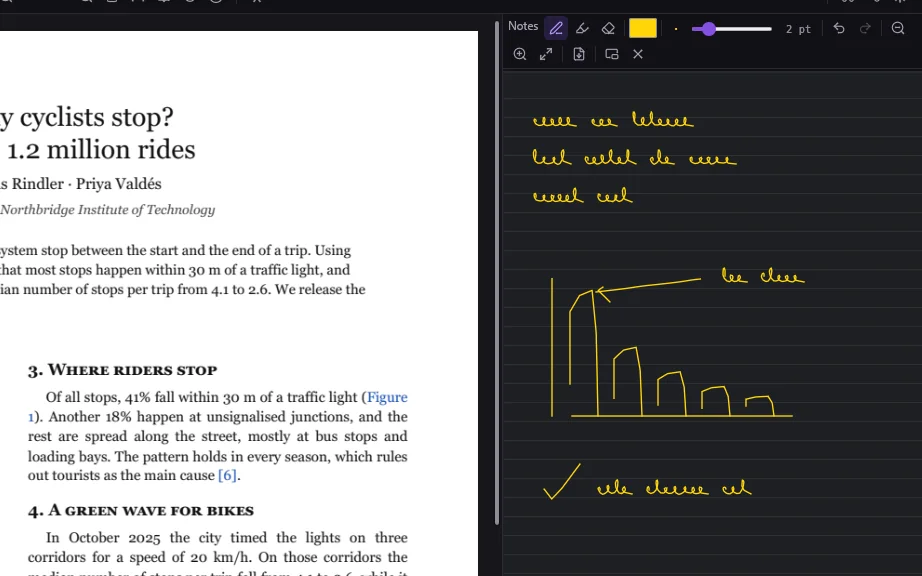
A ruled page that never ends, next to the document. Write and sketch with the pen while you read; the PDF stays untouched and the notes come back when you reopen it.
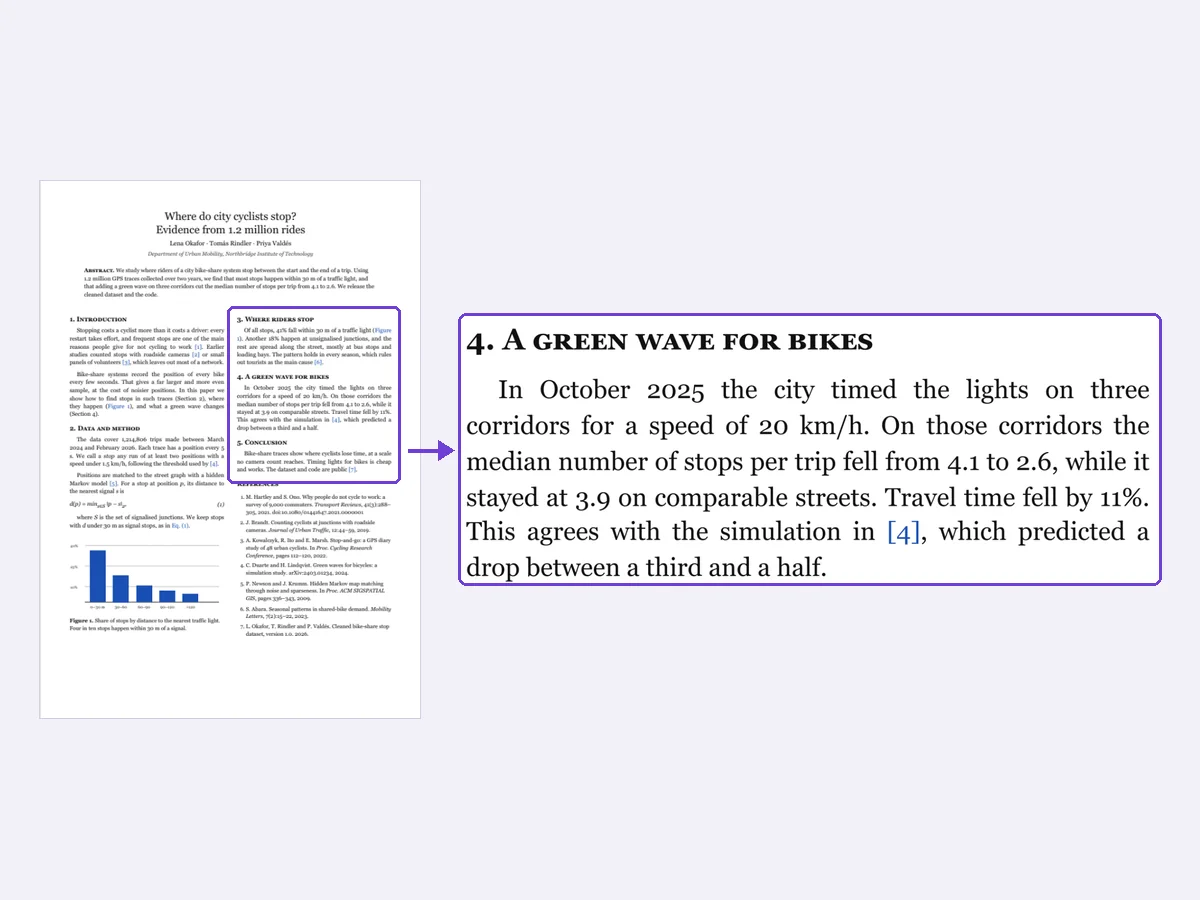
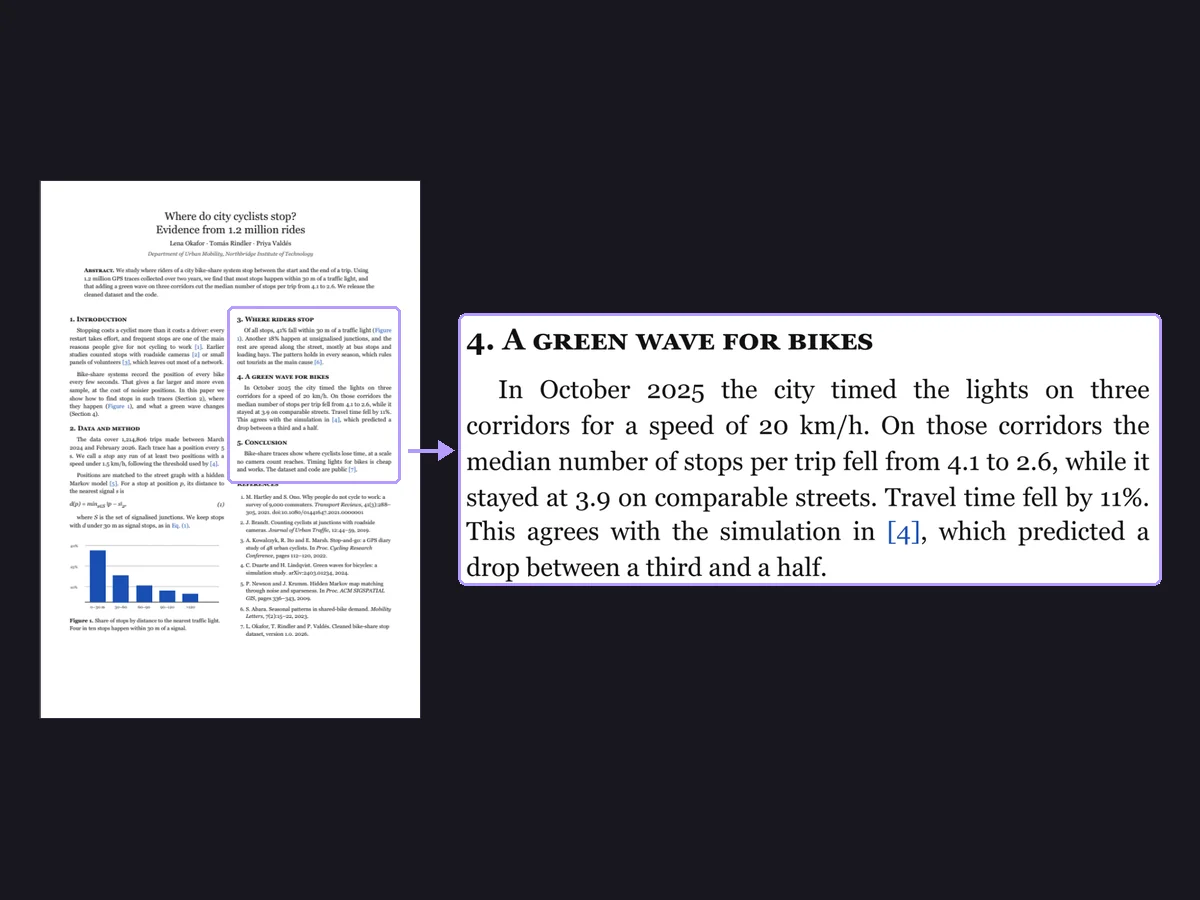
Double-click a column with the middle button, or press Ctrl+3, and Ventus zooms so that column fills the window. Two-column papers become easy to read.
Join files, take pages out and put them in order by dragging.
Every change between two documents, scans included.
Remove text and images from the file, not just cover them.
Protect a PDF with AES-256 and choose what others may do.
Highlights, notes, stamps and drawings that other readers see.
Check a file and convert it for long-term storage.
Find and fix what trips up a screen reader.
Listen to any document with the voices of your system.
Ventus is not a web page in a window. Every part was written for it.
Rust compiled for Windows, macOS and Linux. No Electron, no web view.
Everything runs on your computer. No account, no uploads, no tracking.
Pages are drawn by an engine written for Ventus, faster than the one inside Chrome.
16 languages, right-to-left included, picked automatically.
No subscription and no renewals. Launch-day downloads are free for good.
Menus, shortcuts and tools where you expect them, like the editors you already know.
Approximate single-user prices of widely used paid PDF editors, taken from their websites, November 2026.
| Ventus next to the usual names | Ventus | Subscription editor | Yearly-plan editor | Licensed editor |
|---|---|---|---|---|
| How you pay | Once | Subscription | Subscription or licence | Licence |
| Price | 10 € | from about 20 € a month | from about 130 € a year | from about 68 € |
| Windows | Yes | Yes | Yes | Yes |
| macOS | Yes | Yes | Yes | No |
| Linux | Yes | No | No | No |
| Edit text, sign, OCR, convert | Yes | Yes | Yes | Yes |
None of those programs is related to Ventus.
Ventus is written in Rust and draws its own interface, so large PDFs open fast and everything works offline. It speaks 16 languages, right-to-left ones included.
No subscription and no account. Download Ventus on launch day and it's yours for free.
Everyone who downloads Ventus in the first 24 hours keeps it for good, with every feature.
Paid once. Every feature, no subscription.
Launch date coming soon
One installer per system. The same Ventus on all three.
No account and no subscription. Windows, macOS and Linux.
Download Ventus